How We Built tektonic.company
A technical deep dive into the engineering behind our website. Procedural ASCII dithering, shallow water physics, OKLCH color science, device motion parallax, glass morphism, and a dual-theme system that transforms between monochrome and aurora.
What We Set Out to Build
The Stack
Next.js 16
Framework
with React 19 and Turbopack
TypeScript 5
Language
strict mode
Tailwind 4
Styling
with OKLCH color tokens
Inter + JetBrains Mono
Fonts
via next/font
Vercel
Deployment
edge network, static generation
0 deps
Bundle Overhead
for all visual effects
The ASCII Dither Effect
Glyph Density Ramp
Characters are ordered from empty space (lightest) to @ (heaviest). The index into this string determines which character represents a given brightness level.
const GLYPH_RAMP =
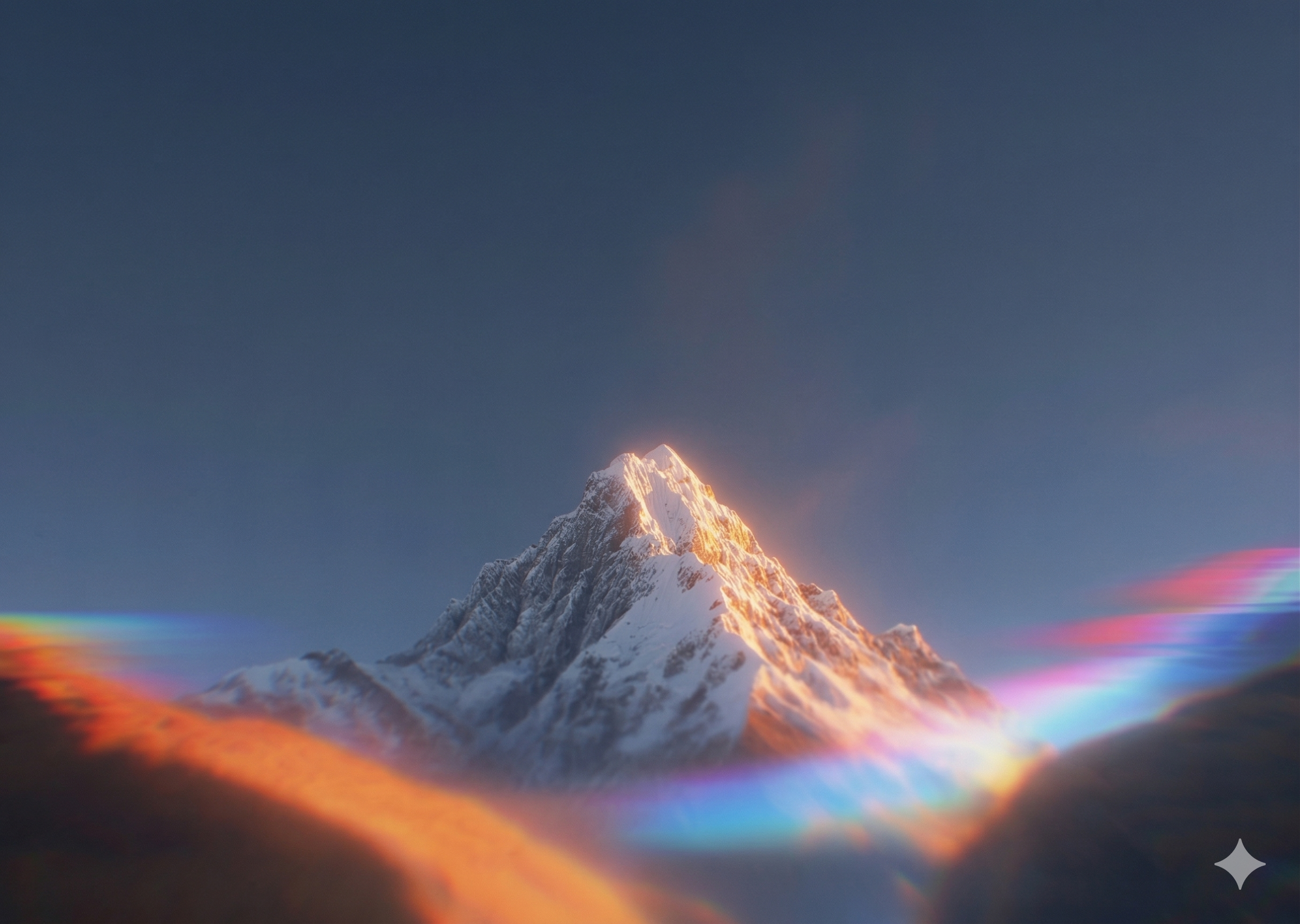
" `.-':_,^=;><+!rc*/z?sLTv)J7(|Fi{C}fI31tlu[neoZ5Yxjya]2ESwqkP6h9d4VpOGbUAKXHm8RD#$Bg0MNWQ%&@";/kova-mountain.png, a 2430x1728 photograph) and draw it onto an offscreen canvas scaled to a grid. The grid dimensions are determined by the character cell size: each cell is fontSize * 0.6 pixels wide and fontSize pixels tall (we use fontSize 9, so each cell is 5.4px by 9px). On a 1920px wide viewport, that produces roughly 355 columns and 120 rows. We then call getImageData() to read the RGBA value of each cell.
Wave Perturbation. Before mapping pixels to characters, we modulate the brightness of each cell using three overlapping sine waves. The wave directions are influenced by the device tilt (or mouse position on desktop), so tilting your phone shifts the wave pattern. The combination formula is:Wave Combination
Three sine waves at different frequencies and phases combine to produce a single perturbation value. The tilt values (tx, ty) shift the wave directions in real time.
// Tilt-influenced wave directions
const dirX1 = 3.0 + tx * 1.5;
const dirY1 = 0.0 + ty * 1.5;
const dirX2 = 0.0 + tx * 0.8;
const dirY2 = 2.5 + ty * 0.8;
const dirXY3 = 4.0 + (tx + ty) * 0.6;

const w1 = Math.sin(nx * dirX1 + ny * dirY1 + wave1Phase) * 0.5 + 0.5;
const w2 = Math.sin(ny * dirY2 + wave2Phase + nx * (1.0 + dirX2)) * 0.5 + 0.5;
const w3 = Math.sin((nx + ny) * dirXY3 + wave3Phase) * 0.5 + 0.5;

const wave = w1 * 0.55 + w2 * 0.25 + w3 * 0.2;age * 0.4), and add a sinusoidal perturbation if the cell falls within the ring width. The ripple fades over 2.5 seconds.
Brightness to Character. After applying wave and ripple modulations, we convert the final RGB values to a single brightness value using the standard luminosity formula: 0.299 * R + 0.587 * G + 0.114 * B. This brightness maps to an index in the glyph ramp, and we draw the corresponding character at that grid position with fillText(). The color of each character preserves the tinted RGB from the wave modulation, so the ASCII field carries the warm amber tones of the original photograph.
The entire render loop runs in requestAnimationFrame. On a 2024 MacBook Pro, it holds a steady 60fps at 42,000+ characters per frame.The Fluid Overlay
Wave Propagation (Shallow Water Equation)
For each cell, the new height is computed from the average of its four neighbors minus the previous height, multiplied by a damping factor. Tilt values add directional current.
for (let y = 1; y < gridH - 1; y++) {
  for (let x = 1; x < gridW - 1; x++) {
    const idx = y * gridW + x;
    const avg = (
      buf1[(y - 1) * gridW + x] +
      buf1[(y + 1) * gridW + x] +
      buf1[y * gridW + (x - 1)] +
      buf1[y * gridW + (x + 1)]
    ) / 2;
    buf2[idx] = (avg - buf2[idx]) * 0.985; // damping
    // Tilt-driven current
    buf2[idx] += tx * (buf1[y * gridW + x + 1] - buf1[y * gridW + x - 1]) * 0.02;
    buf2[idx] += ty * (buf1[(y + 1) * gridW + x] - buf1[(y - 1) * gridW + x]) * 0.02;
  }
}Device Motion and Parallax
prefers-reduced-motion. If the user has motion sensitivity enabled in their OS settings, all parallax and animation effects are disabled. We attach a live listener so changes take effect immediately without a page reload.
Taps create ripples. We normalize the touch coordinates to a 0 to 1 range, store them in a shared ref, and both the dither and fluid overlay read from the same ripple array. Maximum 10 concurrent ripples with a 2.5-second lifetime. On mobile, we fire a subtle 8ms haptic vibration on each tap via navigator.vibrate().The OKLCH Color System
oklch(0.145 0 0)) to near-white (oklch(0.985 0 0)). The aurora theme introduces hue 270 (purple) across all surfaces, with chroma values between 0.04 and 0.15. The primary color shifts to oklch(0.75 0.15 300), a vibrant purple.
The gold accent (oklch(0.82 0.12 85)) anchors the gradient text utility in dark mode. In aurora mode, it shifts to the same purple primary. Both themes use oklch-based borders with percentage-based alpha: oklch(1 0 0 / 10%) for dark, oklch(0.75 0.15 300 / 12%) for aurora.
Theme transitions are handled by CSS custom properties with a 600ms ease transition on both html and body background-color, so switching themes produces a smooth cross-fade rather than a hard cut.Glass Morphism
glass-card is used for content containers. The heavier liquid-glass is used for interactive elements like buttons and dropdowns.Glass Card (Content Surfaces)
Subtle translucency with a thin border. The aurora variant shifts to a purple tint.
.glass-card {
  background: rgba(255, 255, 255, 0.03);
  backdrop-filter: blur(12px);
  -webkit-backdrop-filter: blur(12px);
  border: 1px solid rgba(255, 255, 255, 0.08);
}
.aurora .glass-card {
  background: rgba(139, 92, 246, 0.04);
  border: 1px solid rgba(139, 92, 246, 0.1);
}
Liquid Glass (Interactive Elements)
Heavier blur, higher saturation, inset highlight, and drop shadow. Inspired by Apple's visionOS material.
.liquid-glass {
  background: rgba(255, 255, 255, 0.08);
  backdrop-filter: blur(20px) saturate(180%);
  -webkit-backdrop-filter: blur(20px) saturate(180%);
  border: 1px solid rgba(255, 255, 255, 0.15);
  box-shadow:
    inset 0 1px 0 rgba(255, 255, 255, 0.1),
    0 2px 8px rgba(0, 0, 0, 0.15);
}
Theme Switching
next-themes with class-based attribute application. The theme class (.dark or .aurora) is set on the <html> element, and all theme-dependent styles use the Tailwind aurora: custom variant we defined in globals.css with @custom-variant aurora (&:is(.aurora *));.
The Intro Flicker. On first visit, the site runs a choreographed theme flicker sequence. It starts in dark mode, switches to aurora at 400ms, back to dark at 1200ms, aurora again at 2000ms, and settles on dark at 2800ms. This creates the impression of the site "booting up." A localStorage flag prevents it from running on subsequent visits.
Hero Toggle. On the hero section, scrolling (wheel event) or swiping (touch event with >30px delta) toggles the theme with an 800ms cooldown. This lets visitors discover the aurora mode naturally by scrolling down on the hero.Particle Systems
div with a linear gradient background (color to transparent) and a CSS keyframe animation. The animation ramps opacity from 0 to peak over 5% of the duration, holds for 55%, then fades while translating -50vw horizontally and 50vh vertically. Trail lengths vary from 80px to 200px. Durations are staggered between 0.8s and 1.85s to avoid synchronized movement.Performance
dynamic(() => import(...), { ssr: false }). They are client-only components with no server-side rendering. This keeps the initial HTML payload small and avoids hydration mismatches from canvas state.
RAF Pausing. Both canvas render loops check document.hidden on every frame and skip all computation when the tab is not visible. This drops CPU usage to zero when the user switches tabs.
Ref-Based Updates. The device motion hook updates shared refs, not React state. The dither and fluid components read these refs inside their render loops. This means device orientation changes never trigger React re-renders.
Canvas Over DOM. All visual effects use <canvas> elements with direct 2D context drawing. No DOM nodes are created or destroyed during animation. The stars and meteors are the only exceptions, and they use pure CSS animations with pointer-events: none so the browser can composite them on the GPU layer without triggering layout.Source Code
src/components/glyph-dither.tsx – ASCII dithering engine
src/components/fluid-overlay.tsx – Shallow water simulation
src/hooks/use-device-motion.ts – Gyroscope, mouse, and ripple system
src/app/globals.css – OKLCH design tokens, glass effects, keyframes
src/components/hero.tsx – Hero section compositing all effects
src/components/intro-animation.tsx – First-visit theme flicker